
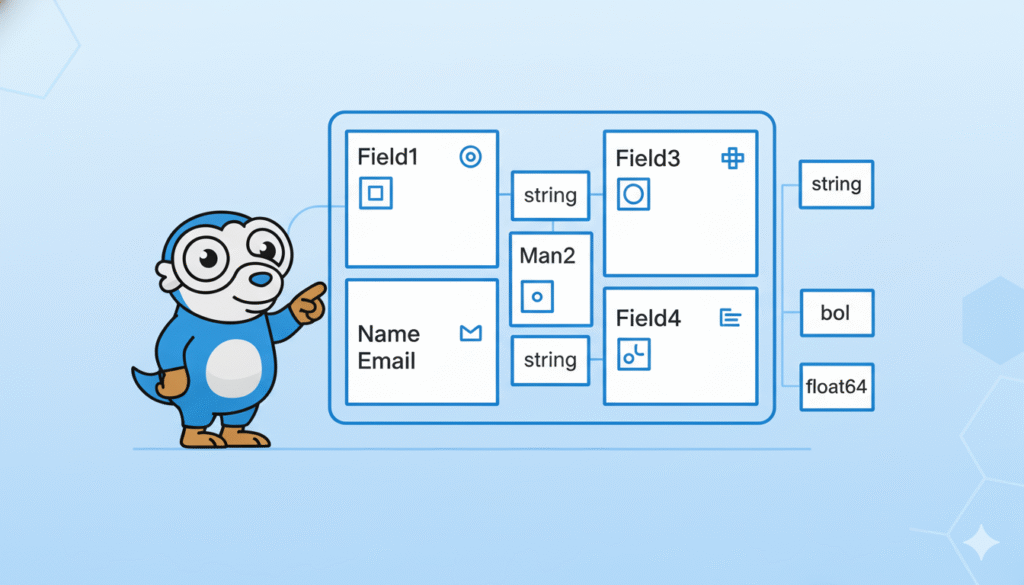
If you’re learning Go, one of the first concepts you must understand is Golang Structs. Structs are Go’s way of grouping related data together — and they’re used everywhere in real Go programs.
In this beginner-friendly guide, you’ll learn:
- What a struct is
- How to create and use a struct
- How to assign data to a struct
- How to use methods with structs
- Why structs are so important in Go
Let’s break it down in the simplest way possible.
⭐ What Is a Struct in Golang?
A struct is a custom data type that lets you group related fields together.
Think of a struct like a “box” that contains multiple pieces of information about something.
Example: A user profile.
type User struct {
    Name  string
    Age   int
    Email string
}
Useris the struct name- Inside it, you have fields like
Name,Age, andEmail
Because Go doesn’t have classes, structs are extremely common and often replace them.
⭐ Creating and Using a Struct
Let’s create a user and print their details:
user := User{
    Name:  "Alice",
    Age:   25,
    Email: "alice@example.com",
}

fmt.Println(user.Name)  // Alice
fmt.Println(user.Age)   // 25
Simple and clean.
⭐ Updating Struct Fields
For example, you can update the data inside a struct anytime:
user.Age = 26
user.Email = "alice@newmail.com"
Struct fields act just like normal variables.
⭐ Adding Methods to Structs (Very Beginners-Friendly)
Go doesn’t have classes, but you can add methods to structs using receivers.
Example:
func (u User) WelcomeMessage() string {
    return "Welcome, " + u.Name
}
Use it like this:
fmt.Println(user.WelcomeMessage())
This makes your struct act almost like an object in other languages.
⭐ Why Structs Are Important in Go (Beginner Perspective)
In addition, structs help you:
✔ Organize your data
Example: a Product, User, Book, etc.
✔ Build APIs, databases, and JSON models
Example: mapping JSON to a struct:
type Product struct {
    Name  string `json:"name"`
    Price int    `json:"price"`
}
✔ Build clean and readable code
Instead of many separate variables, you keep data together.
Structs = clean code.
⭐ Embedding Structs (Bonus for Beginners)
You can put one struct inside another.
It’s like inheritance but simpler.
type Address struct {
    City  string
    Zip   string
}

type User struct {
    Name string
    Address
}
After that, now you can do:
user := User{
    Name: "Alice",
    Address: Address{
        City: "Casablanca",
        Zip:  "20000",
    },
}

fmt.Println(user.City)
This keeps your code organized neatly.
⭐ Final Example: Structs in a Real Program
Here is a very simple Go program using everything we learned:
package main

import (
    "fmt"
)

type User struct {
    Name  string
    Age   int
    Email string
}

func (u User) Info() string {
    return fmt.Sprintf("%s is %d years old. Email: %s", u.Name, u.Age, u.Email)
}

func main() {
    user := User{
        Name:  "Alice",
        Age:   25,
        Email: "alice@example.com",
    }

    fmt.Println(user.Info())
}
⭐ Final Thoughts
Structs are the heart of Go programming.
If you understand structs well, the rest of Go becomes much easier — especially when you start working with APIs, files, databases, or large applications.